Sea Walk
A downloadable game for Android
🇺🇸 English
How to Play
Objective
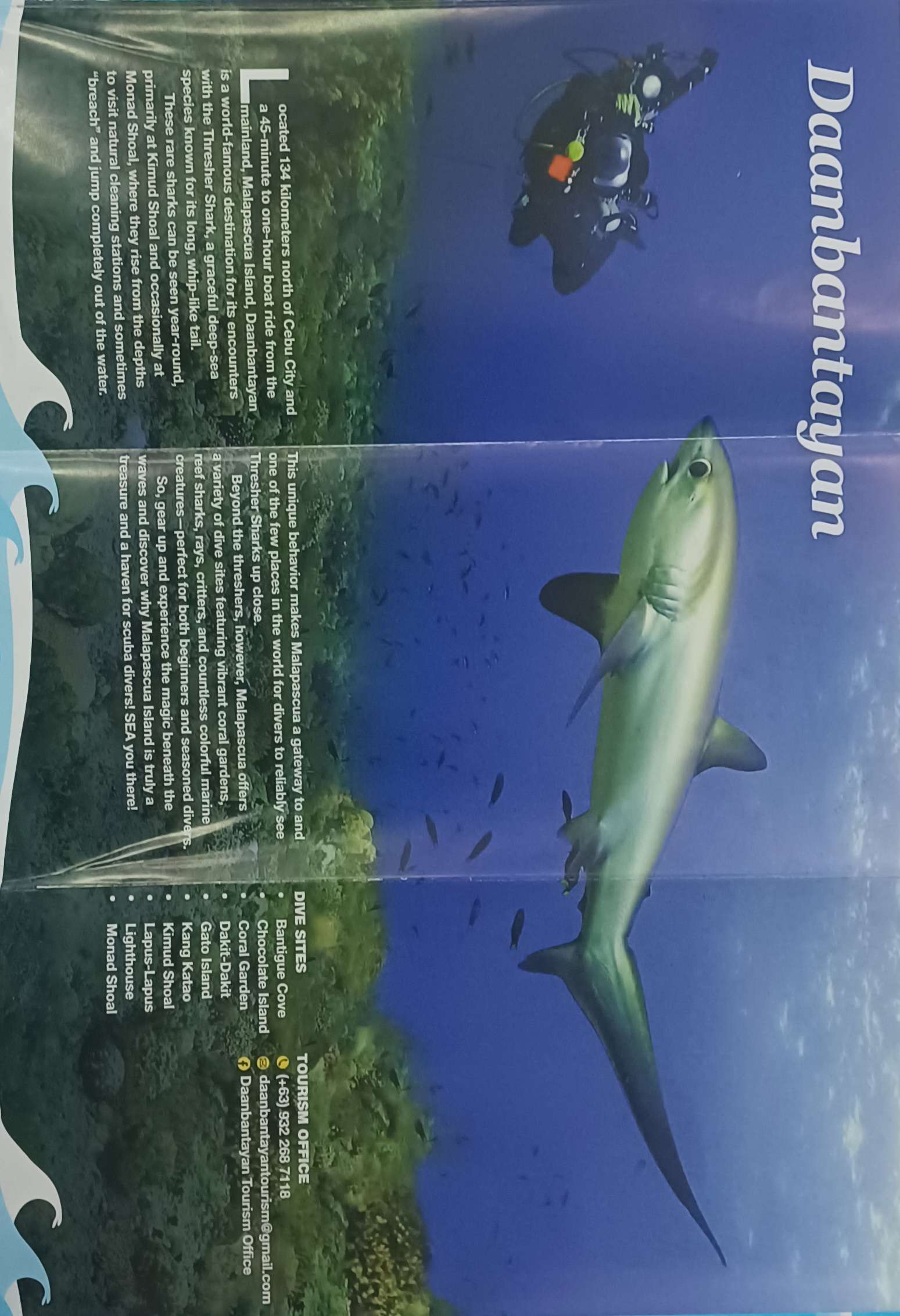
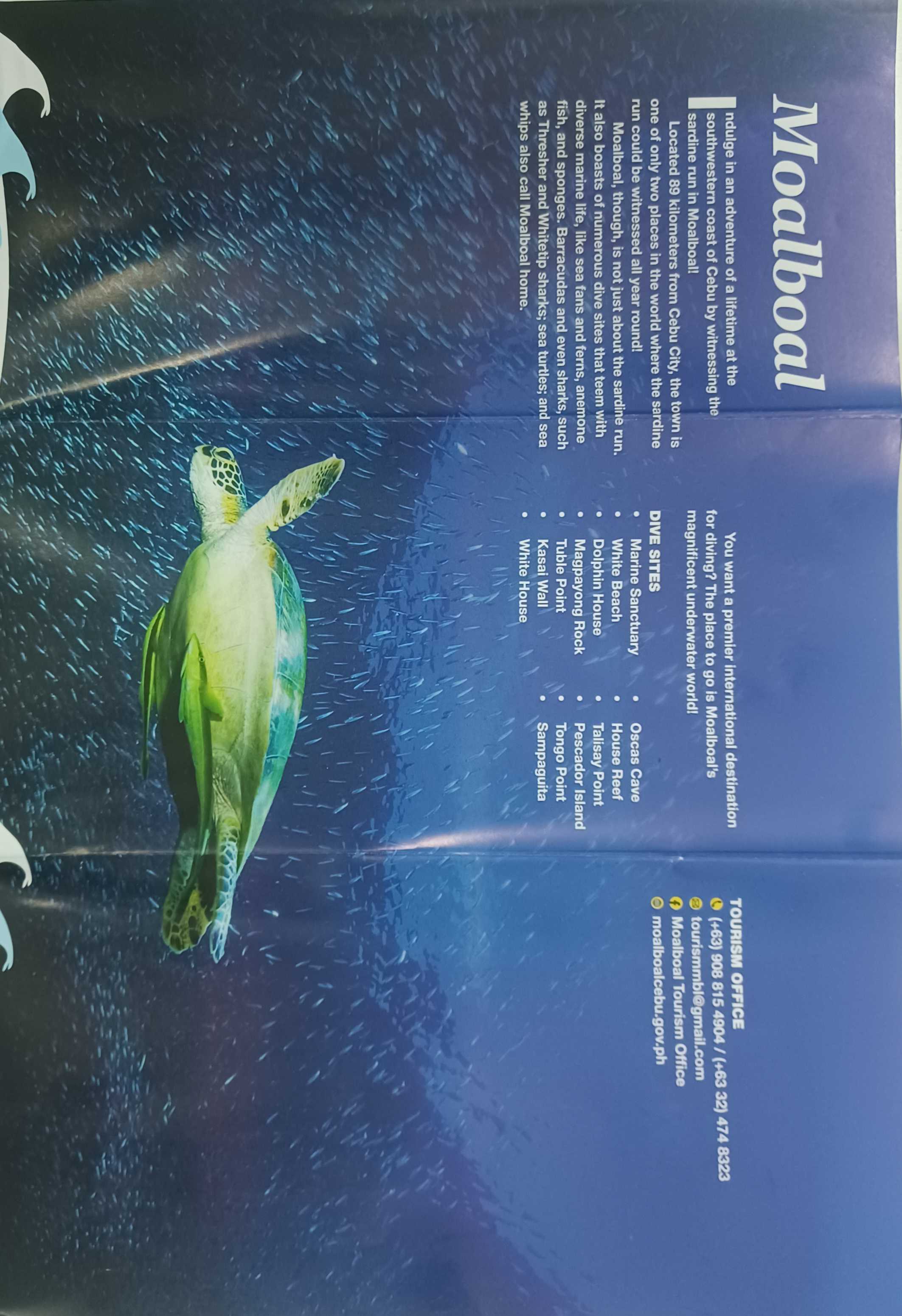
Discover and learn about marine animals by scanning their images and viewing them in augmented reality (AR).
How to Play
- Allow Camera Access when prompted. The camera is required for the AR experience.
- Choose your preferred language from the main menu.
- Press Start to enter the AR experience.
- Point your camera at a supported animal image/reference card.
- Once the image is recognized, the animal's information will appear.
- Press the Show Animal button to spawn the animal in AR.
- Move your phone around to observe the animals swimming around you.
- Scan another supported animal image to discover another animal.
Controls
- Tap: Select buttons.
- Move/Rotate Phone: Look around and observe the AR animals.
- Back Button: Return to the previous menu.
Requirements
- A compatible Android smartphone or tablet with a camera.
- Camera permission must be enabled.
- The provided/supported animal reference images are required for the AR scanning experience.
- Play in a well-lit environment for better image tracking.
- Keep the reference image clearly visible in the camera.
Tips
- Hold your device steadily while scanning.
- Make sure the entire reference image is visible.
- Move closer or farther away if the image is not detected.
- Once an animal appears, move around to observe it from different angles.
🇵🇭 Filipino
Paano Laruin
Layunin
Tuklasin at matuto tungkol sa mga hayop sa dagat sa pamamagitan ng pag-scan ng kanilang mga larawan at pagtingin sa mga ito gamit ang augmented reality (AR).
Paano Laruin
- Payagan ang Camera Access kapag hiniling. Kailangan ang camera para sa AR experience.
- Piliin ang iyong gustong wika sa main menu.
- Pindutin ang Start upang simulan ang AR experience.
- Itutok ang camera sa isang suportadong larawan/reference card ng hayop.
- Kapag nakilala ang larawan, lalabas ang impormasyon tungkol sa hayop.
- Pindutin ang Show Animal upang lumitaw ang hayop sa AR.
- Igawad o igalaw ang iyong cellphone upang makita ang mga hayop na lumalangoy sa paligid mo.
- Mag-scan ng ibang suportadong larawan upang makatuklas ng ibang hayop.
Mga Kontrol
- Tap: Pumili ng mga button.
- Paggalaw/Pag-ikot ng Cellphone: Tumingin sa paligid at obserbahan ang mga hayop sa AR.
- Back Button: Bumalik sa nakaraang menu.
Mga Kinakailangan
- Isang compatible na Android smartphone o tablet na may camera.
- Dapat naka-enable ang Camera permission.
- Kailangan ang mga ibinigay/suportadong animal reference images para sa AR scanning experience.
- Maglaro sa isang maliwanag na lugar para mas madaling makilala ang mga larawan.
- Siguraduhing malinaw na nakikita ng camera ang reference image.
Mga Tip
- Panatilihing steady ang cellphone habang nag-i-scan.
- Siguraduhing nakikita nang buo ang reference image.
- Lumapit o lumayo kung hindi makilala ang larawan.
- Kapag lumitaw na ang hayop, gumalaw sa paligid upang makita ito mula sa iba't ibang anggulo.
🇯🇵 日本語
遊び方
目的
動物の画像をスキャンして、拡張現実(AR)で海洋生物を観察しながら、その特徴や情報を学びましょう。
遊び方
- 表示されたらカメラへのアクセスを許可してください。AR体験にはカメラが必要です。
- メインメニューから使用する言語を選択します。
- Startを押してAR体験を開始します。
- 対応している動物の画像・リファレンスカードにカメラを向けます。
- 画像が認識されると、その動物の情報が表示されます。
- Show Animalボタンを押すと、AR空間に動物が出現します。
- スマートフォンを動かして、自分の周りを泳ぐ動物を観察しましょう。
- 別の対応画像をスキャンして、他の動物を発見しましょう。
操作方法
- タップ: ボタンを選択してください。
- スマートフォンを動かす・回転させる: 周囲を見回してARの動物を観察します。
- Backボタン: 前のメニューに戻ります。
必要なもの
- カメラを搭載した対応するAndroidスマートフォンまたはタブレット。
- カメラへのアクセス許可が必要です。
- ARスキャンには、対応している動物のリファレンス画像が必要です。
- 画像を認識しやすくするため、明るい場所でプレイしてください。
- カメラからリファレンス画像がはっきり見えるようにしてください。
ヒント
- スキャンするときはスマートフォンをできるだけ安定させてください。
- リファレンス画像全体がカメラに映るようにしてください。
- 画像が認識されない場合は、スマートフォンを近づけたり遠ざけたりしてみてください。
- 動物が出現したら、周りを移動してさまざまな角度から観察してみましょう。
Download
Leave a comment
Log in with itch.io to leave a comment.